Ask a fulldome content producer what worries them most about moving to an LED dome, and the answer is rarely brightness or pixel pitch. It is the pipeline: how does a movie authored as a flat, rectangular master file end up looking geometrically correct on a curved wall of pixels that may be anywhere from 5 m to 60 m in diameter? Fulldome content is not a video file you simply copy onto a player. It is a chain of decisions — master format, warp, blend, distribution, sync — that has to be designed against the specific dome it will play on.
This article walks through that chain the way our engineering team handles it on real projects, including the 60 m dome on Kongtong Island in Shandong, the largest LED dome screen we have delivered to date at 5,300 square meters. If you are planning a dome theater, a flying theater, or a planetarium-grade venue, the goal here is practical: know which decisions belong to the screen design phase, which belong to the content studio, and which have to be negotiated between both before a single frame is rendered.
Why a Dome Is Not a Big Flat Screen
A flat LED wall is a rectangle, and every pixel of its content map corresponds one-to-one with a physical position on the wall. A dome is a continuous curved surface. The audience sits off-center, sightlines sweep across a hemisphere (or more), and the geometry of the projection changes with every seat. Content that looks correct on a monitor will distort when played raw on a sphere: circles become ellipses, straight architectural lines bend, and a landscape that fills the top of the frame may wrap unnaturally over the zenith.
This is the core reason a dome theater cannot simply loop a normal 4K film. The content has to be re-projected onto the dome's actual geometry — its diameter, its field of view, its seated sightlines — before it is sent to the screen. That re-projection, usually called warp and blend, is the bridge between the content studio and the LED screen. It is also the step most often left out of early project budgets, which is why experienced integrators insist that fulldome content specifications are locked at the same time as the screen design. We covered the screen-side geometry in detail in our guide to LED dome pixel pitch; this article handles the content side of the same equation.
Choosing the Master Format: Equirectangular, Fisheye or Cubemap
Fulldome content is mastered in one of three families of formats, and the choice shapes everything downstream — from how much storage a five-minute show consumes to how visible the seam is between playback nodes.
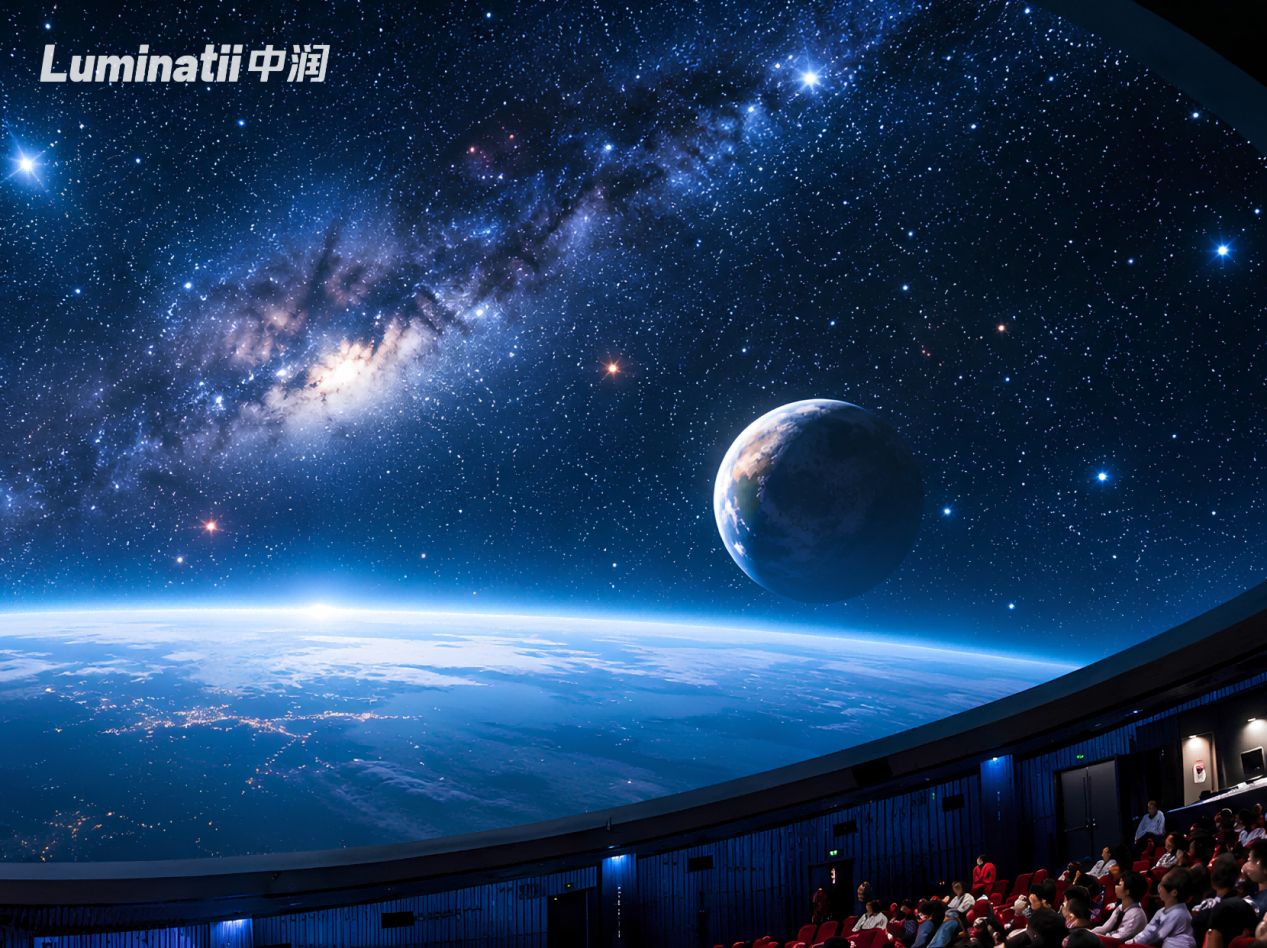
Equirectangular is the most common master format. It maps the full sphere onto a flat 2:1 rectangle, exactly like the panoramic files produced by 360-degree cameras. It is universally supported by production tools, but it stretches pixels near the poles — the top and bottom of the frame carry far more pixels per degree of vision than the equator. Fisheye (or "domemaster") formats pack the dome view into a circle, which matches how planetarium production tools have worked for decades and keeps the zenith clean, at the cost of lower efficiency for wide scenes. Cubemap formats split the sphere into six square faces, giving the most even pixel distribution and the best encoding efficiency, but requiring more processing on the playback side.
| Master format | Native shape | Weak spot | Best fit |
|---|---|---|---|
| Equirectangular | 2:1 flat rectangle | Pole stretching | 360-degree cameras, fast production |
| Fisheye / domemaster | Circular frame | Encoding efficiency | Planetarium-style shows, star fields |
| Cubemap | Six square faces | Heavier playback processing | High-motion, high-detail scenes |
Our engineering judgment is simple: the master format is a content decision, but it must be made with the dome's geometry on the table. A star-field show for a planetarium-style venue is a natural fisheye job. A high-energy flying theater film with fast camera moves and dense detail usually benefits from a cubemap or high-resolution equirectangular master. What is never acceptable is choosing the format after the screen is built — that sequencing is the single most common cause of "the movie looks stretched" complaints on new dome projects.
The Content-to-Screen Pipeline, Stage by Stage
Between a finished master file and a working show, the content passes through five stages. Each one is a place where quality can silently degrade, so each has its own acceptance criteria.
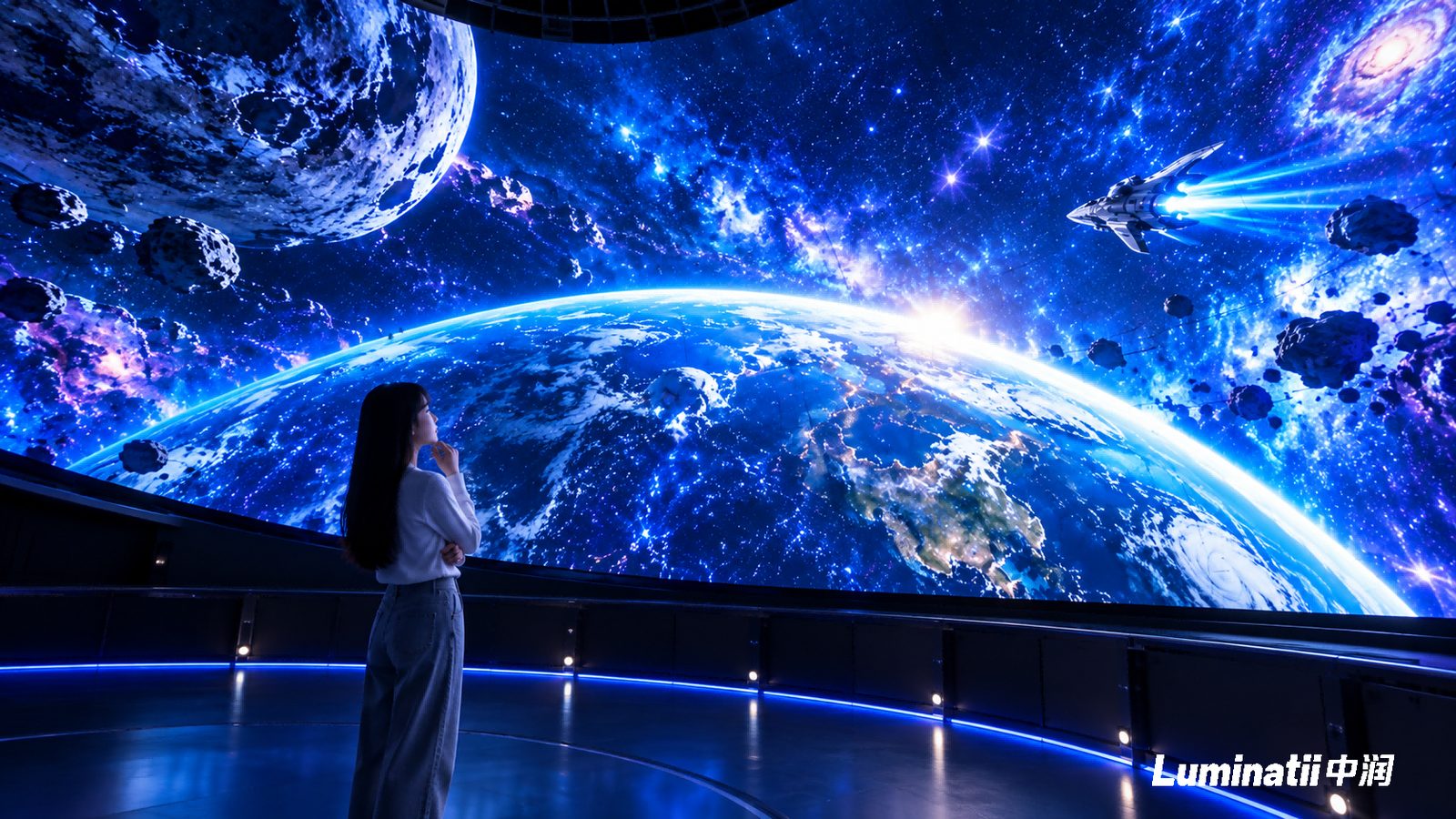
- Master production. The studio authors the show in the chosen format at the resolution agreed with the screen team — typically 8K-class masters for large immersive venues, where the audience sits close enough to resolve fine detail.
- Warp. The flat master is geometrically re-projected onto the dome's measured shape. Warp profiles are generated from the actual screen model, not from nominal drawings, because a 60 m steel structure settles during construction and the as-built geometry always differs slightly from the CAD intent.
- Blend. Where the image is split across playback outputs or physical screen segments, overlapping regions are feathered so the seams disappear in both dark and bright scenes. Blend quality is what separates a professional dome from an amateur one when the lights dim.
- Distribution. The show is cut into segments and loaded onto playback nodes, one per screen section. Segment boundaries are planned during warp design so no cut lands on a visually sensitive region — a horizon line, a face, a fast pan.
- On-site alignment. After installation, every dome goes through color and brightness calibration against its measured surface, then a full acceptance pass. Buyers should treat this as part of content delivery, not just screen delivery; our LED dome inspection and acceptance protocol covers the test sequence in detail.
The important takeaway is that stages two through five are not software afterthoughts. They are engineered against the physical screen, which is why the screen supplier, the playback system integrator, and the content studio need to agree on geometry and formats before production starts — not after the first review screening.
Pixel Budgeting: What 8K Means on a Large LED Dome
8K has become the shorthand for premium fulldome content, but it is worth being precise about what the number means. An 8K master carries roughly 33 million pixels per frame (7680 by 4320). Whether that is enough depends entirely on the screen it plays on, and the decisive quantity is pixel density.
Pixel pitch sets how many pixels occupy each square meter of screen: a P2 screen packs 250,000 pixels per square meter, P3 about 111,000, and P6 about 27,800. Multiply by the screen area and you get the dome's native pixel count, which is the true ceiling of on-screen detail. The pitch itself is not a catalog choice — on our projects it is calculated per venue from the closest viewing distance and the content type, then confirmed with the client. The table below shows how that worked out on four delivered domes.
| Pixel pitch | Pixels per square meter | Delivered reference |
|---|---|---|
| P2 | 250,000 | 20 m acoustically transparent dome, Changzhi, 2025; 5 m and 8 m domes, Beijing |
| P3 | About 111,000 | 14 m dome, Guiyang, 2025 |
| P6 | About 27,800 | 60 m dome, Kongtong Island — 5,300 square meters, 8K content |
Two conclusions follow. First, resolution is always a joint decision between the screen's pixel count and the playback server's decoding capability; a nominal "8K movie" means nothing until both sides are checked. Second, over-speccing resolution wastes real money. Every doubling of pixel density roughly quadruples the pixels the server must push, the processors must drive, and the content studio must render. The engineering goal is to match the content resolution to the screen resolution at design time — enough pixels that the closest viewer cannot resolve the LED structure, and not so many that the pipeline becomes expensive for no visible gain. That calculation, done per project, is exactly what the pitch-selection process in our 60 m Kongtong dome case study walks through.
Playback, Nodes and Genlock Sync
A large dome is never driven by a single computer. The screen is divided into sections, each fed by a playback node, and the nodes must behave as one device: same frame, same time, same color response. The mechanism that locks them together is genlock — a shared timing reference that keeps every node outputting the same frame at the same instant. Without it, viewers see tearing or stutter at segment boundaries, especially during fast pans across the dome.
Sync also extends beyond video. In acoustically transparent dome designs, where the surround sound system sits directly behind the perforated screen, audio and picture must stay aligned to within 0.02 seconds — beyond that threshold, viewers notice lip-sync and effect-positioning errors. And in venues with mechanical show elements, playback becomes show control: on the Kongtong Island dome, 8K content is synchronized with 8 lifting LED screens, mechanical doors, and wire-rigged performers, so picture, audio, and motion cues run off a coordinated timing hierarchy rather than independent players.
When we specify a dome media server setup, we check four things: native decode of the agreed master format and resolution, warp and blend capability matching the as-built geometry, genlock across all nodes, and an integration path to the venue's show control system. A server that fails any one of those checks will surface as a content problem during rehearsal, when fixing it is most expensive.
Frequently Asked Questions
Does an LED dome need specially produced content?
Yes. Ordinary flat footage played raw on a spherical surface produces geometric distortion — proportions stretch, straight lines curve, and the viewing angle the director intended never reaches the audience. Content must be mapped to the dome's diameter, resolution, and pixel layout. For clients with existing material, adaptation is possible: geometry-aware re-projection can rescue usable footage, and we provide the technical specifications content teams need, along with introductions to professional fulldome production partners when a show is being created from scratch.
What does 8K content actually require from the screen?
Playing an 8K file does not automatically produce an 8K experience. The visible result depends on the dome's diameter, its pixel pitch, the screen's native resolution, the control system, the video processing chain, and how the content itself was produced. That is why we recommend locking display resolution, content specifications, and the playback system together during the dome design phase — otherwise you can end up with 8K files that the screen system cannot fully express, or a screen whose detail no master was built to exploit.
What kind of playback control system does a dome theater need?
Not a standard video player. Dome theaters need a spherical playback system that applies dynamic pixel mapping so images land on the curved surface without stretching or banding, decodes 8K-class and higher masters, and interfaces with mainstream media servers and show control. For venues with mechanical interactive elements — lifting screens, doors, motion platforms — the system must also synchronize display content with mechanical action at millisecond precision.
Can we start content production before the screen design is final?
We advise against it. The dome's structure directly determines how content is authored, how resolution is distributed, and how the image is mapped. If the screen is finished first and content is considered later, projects routinely hit mismatches in aspect ratio, resolution, viewing angle, or mapping. The workable sequence is to fix the dome diameter, pixel pitch, display resolution, pixel layout, playback architecture, and audience positions during scheme design, then let screen and content pursue the same visual target in parallel.
Who handles the mapping when we already have a finished film?
Mapping and adaptation are part of the delivery scope we support: the screen team supplies the as-built warp profile, resolution map, and playback specifications, and either your studio or a partner production team re-projects the master onto the dome. What matters is that the adaptation happens against measured, as-built geometry — warp profiles generated from drawings alone almost always need on-site correction, which is a rehearsal-week surprise no one wants.
If you are planning a dome theater or immersive venue and want the content pipeline specified alongside the screen from day one, talk to our engineering team. We will help you define the geometry, pitch, resolution, and playback architecture that your fulldome content should be built against — and the reference projects behind that advice are on our LED dome screen product page.